An Excel ERP that runs a screen-installation business
Stock, installations, contracts, rent liabilities, expenses and payroll lived in separate registers. Now they reconcile in one workbook with a live management summary.
The problem
The business installs and rents out digital screens. Every screen moves from warehouse to “waiting” to installed, sits under a property contract with a monthly rent, and earns revenue. Each of those steps was tracked in its own sheet, so answering “how many screens are live, what do we owe in rent, and are we profitable this month?” meant manual cross-checking.
What we built
- Inward and outward stock movement linked to warehouse inventory and installation records, so stock on hand is calculated rather than typed.
- Standard statuses, dates and validation rules across every input sheet, so errors are caught at entry.
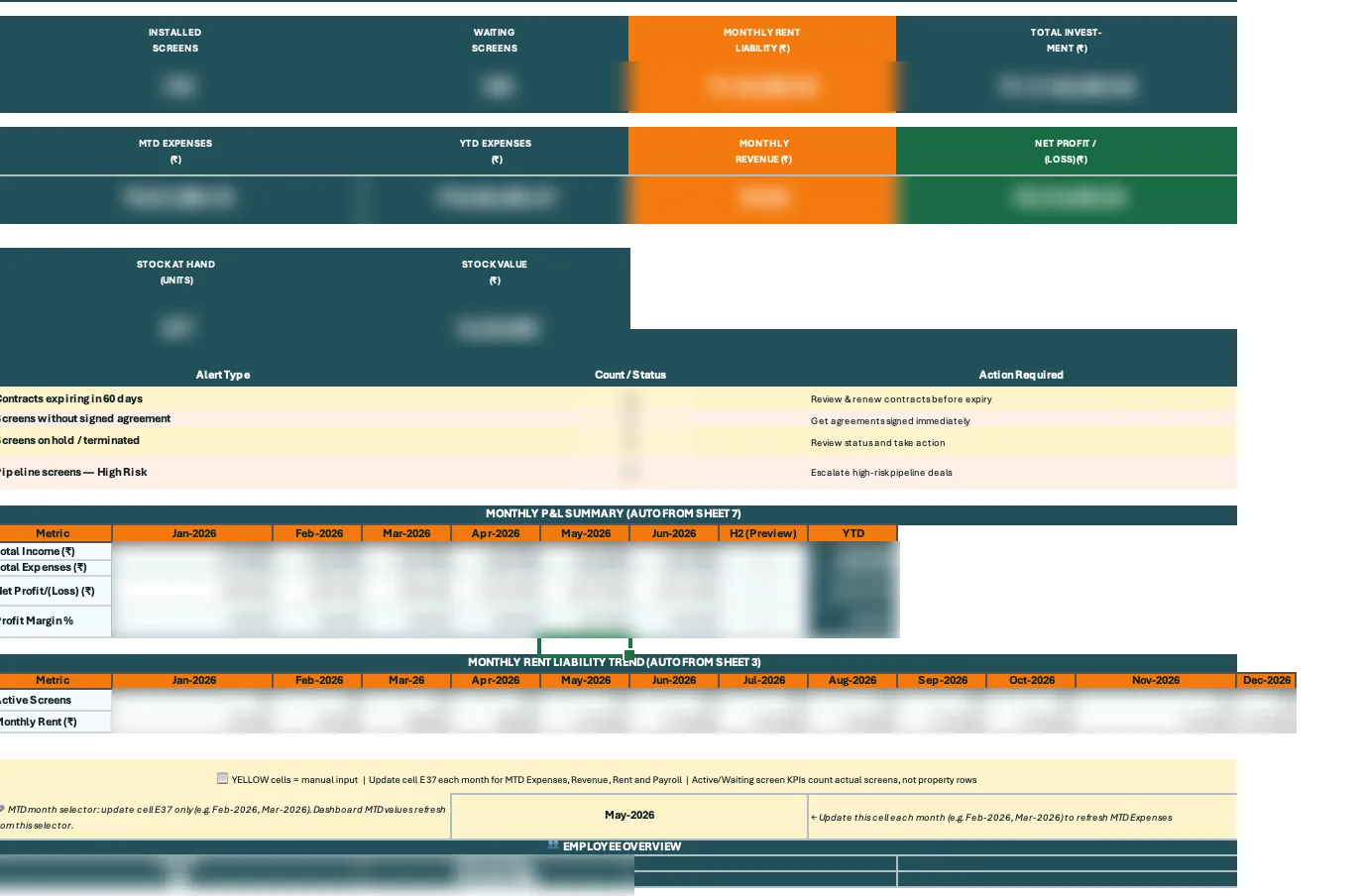
- A management summary with installed and waiting screens, rent liability, investment, month-to-date and year-to-date expenses, revenue and profit.
- Alerts for contracts expiring within 60 days, screens without signed agreements, screens on hold and high-risk pipeline deals.
- A monthly P&L and rent-liability trend fed automatically from the underlying sheets, plus formula documentation and operating notes.
What it changes
- One operational source of truth instead of separate registers.
- Traceable warehouse movement from receipt to installation.
- Month-end reporting without rebuilding summaries by hand.
This is an active build. Outcome figures will be added here once the client confirms them for publication.